
How it works
A five-step ritual
inside Chrome
Tariela keeps the product experience in the extension. This page shows what happens before, during, and after the popup opens.
Install, then pin it
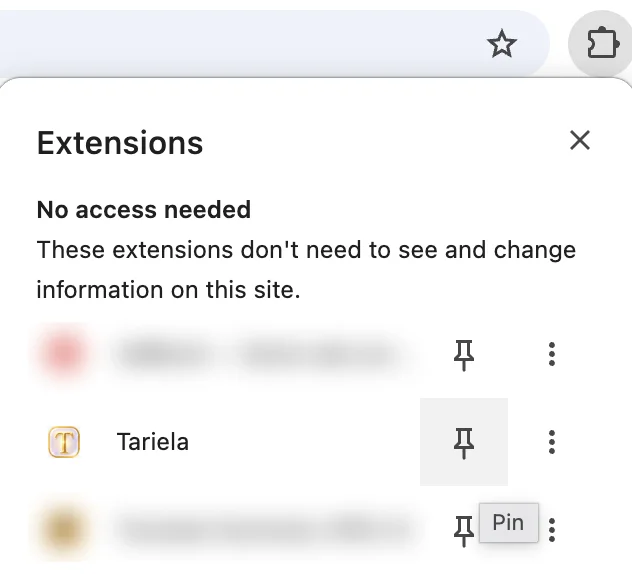
Install Tariela from the Chrome Web Store. Then open the puzzle-piece Extensions menu and pin Tariela so the icon stays visible beside the address bar.
Onboarding gives the sky context
Tariela asks for language, name, birth date, birth time, birth place, and current city for the personalized astrology experience. You can edit the active profile later.
Open the current hour
The main screen is anonymous-first. See the location-aware planetary-hour view and daily guidance without a visible Google sign-in gate.
Reveal, shuffle, then ask
A guest can reveal and shuffle the three cards. Google sign-in is the conversion point for receiving an interpretation, not the entry gate for the main astrology screen.




Use what helps. Decide what is next
Tariela includes 15 free Tarot interpretations in total. After that, the cards remain usable. Premium removes the interpretation allowance for $4.99 per month or $39.99 per year. Stripe handles checkout, and applicable taxes may be added there.